
Check Electricity Bill by CNIC: What Works and What Doesn’t
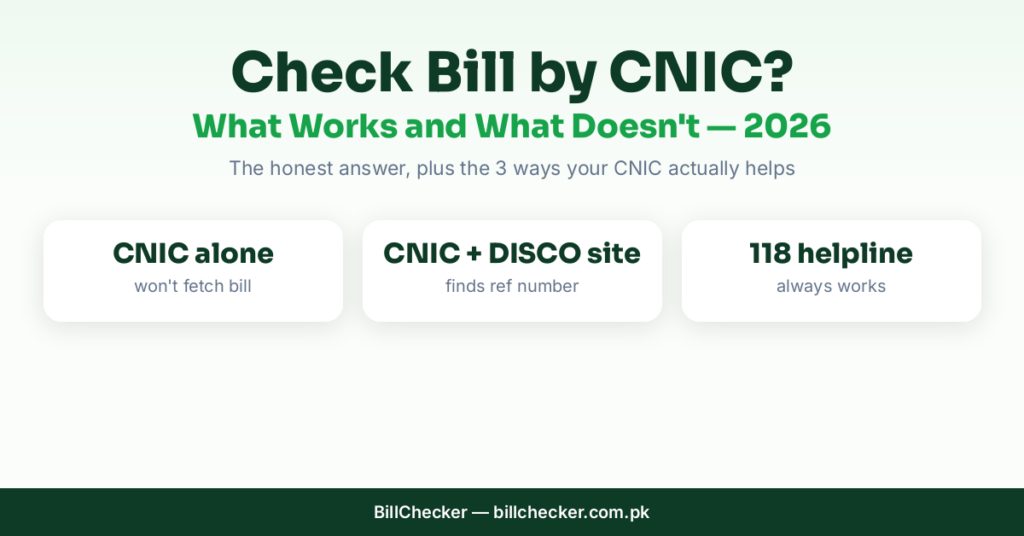
Many people search for a way to check their electricity bill using just their CNIC — no old bill, no reference number, nothing else. Here’s the honest answer first: you cannot fetch your bill with CNIC alone. The official billing portals need your 14-digit reference number or consumer ID, and a CNIC won’t substitute for either.
But your CNIC is far from useless. It opens three legitimate recovery paths that get you from “no bill, no number” to a full duplicate bill in minutes. This guide covers what works, what doesn’t, and the exact steps for each path.
What Your CNIC Can and Can’t Do
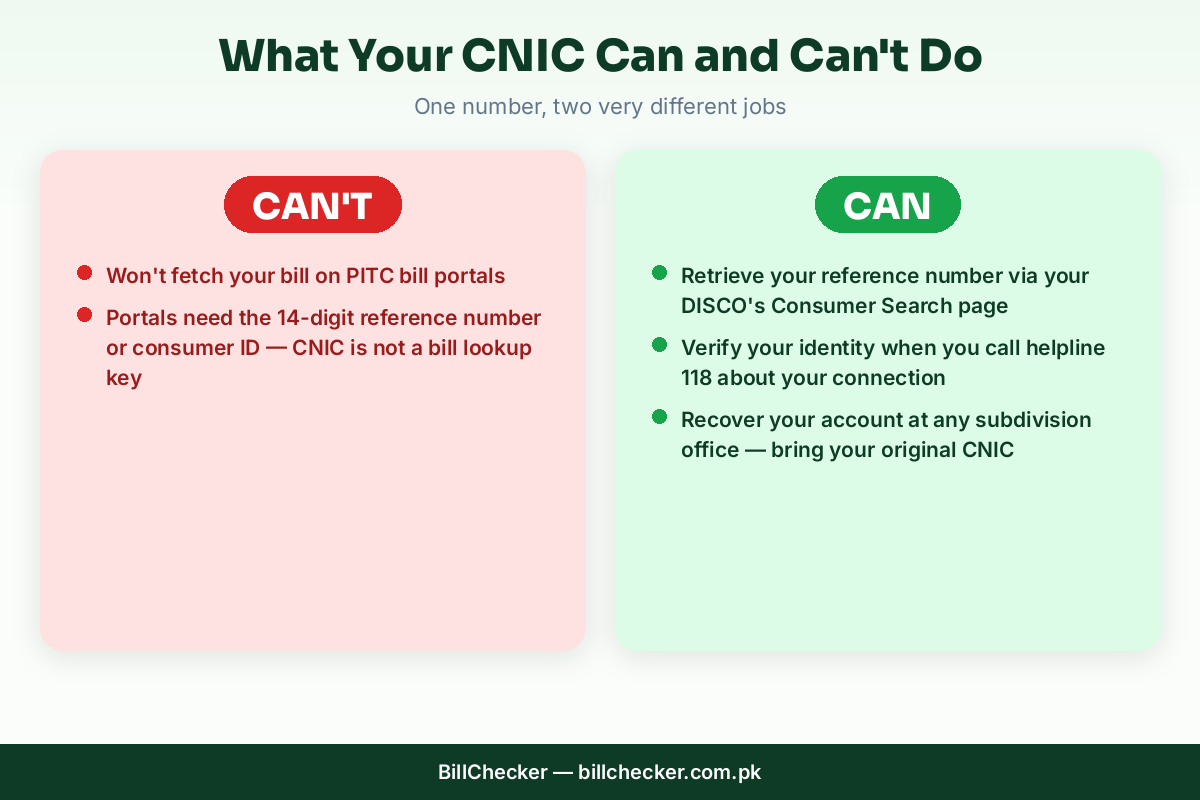
| With CNIC alone… | Result |
|---|---|
| Fetch the bill on a PITC portal | Not possible — portals require the 14-digit reference or consumer ID |
| Retrieve your reference number on your DISCO’s website | Usually works — via Consumer Search / Find Reference Number |
| Recover your account on helpline 118 | Works — with CNIC plus name and address |
| Look up your bill at a subdivision office | Works — bring your original CNIC |
Path 1: Find Your Reference Number Online (Fastest)
Most DISCO websites include a consumer or reference-number search under their Consumer Services or Bill Inquiry section, designed exactly for people who’ve lost their bill. LESCO’s portal is the most widely cited example.
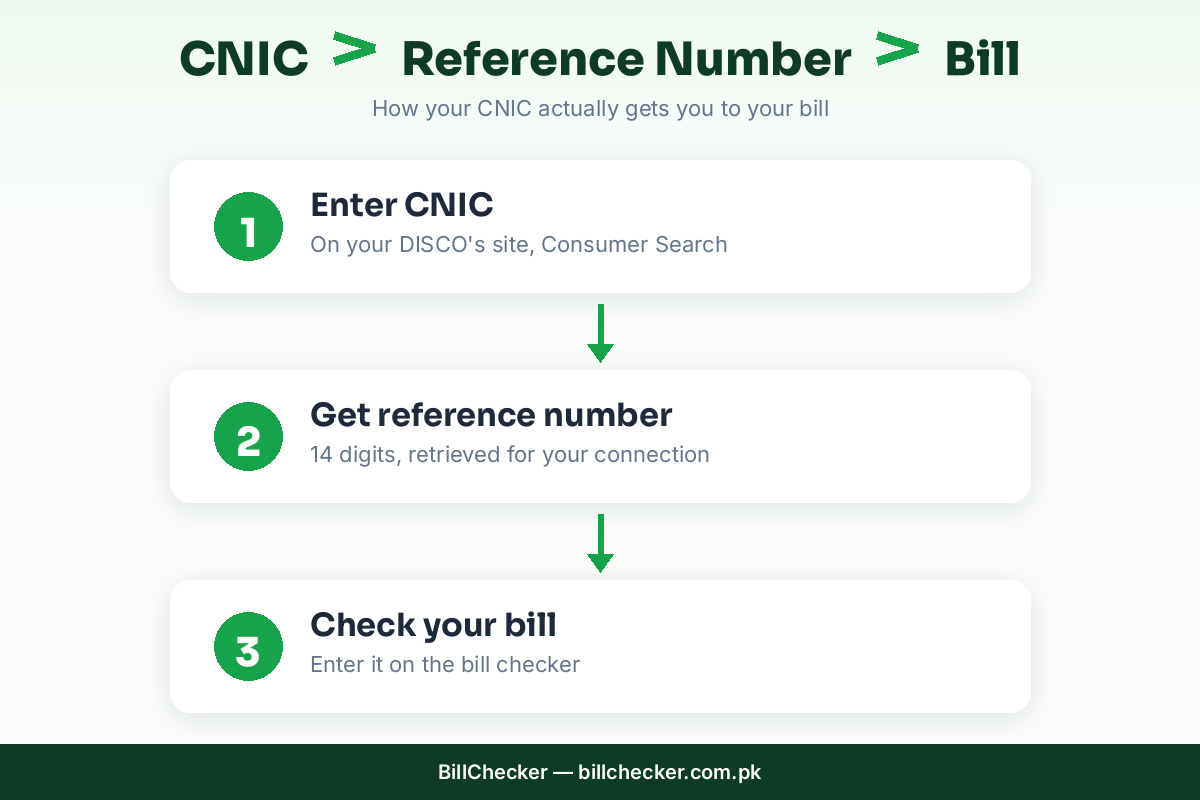
- Go to your DISCO’s official website (not a third-party bill site).
- Look for Consumer Search, Find Reference Number, or Bill Inquiry — usually under Consumer Services.
- Enter your CNIC without dashes, plus your registered name or address if asked.
- If a match is found, your 14-digit reference number (or consumer ID) is displayed — save it in your phone.
- Enter that number on our bill checker to view and download your bill instantly.
If your DISCO’s site doesn’t show the search prominently, check every item under Consumer Services before giving up — some bury it a level deep.
Path 2: Call 118 (Most Reliable)
Every state-owned power company takes calls on 118. Call it with your CNIC number, the name the connection is registered under, and your address or meter details. Staff can pull up your record and read back your reference number — no website needed. This works even when the online search fails or your DISCO’s site is down.
Path 3: Visit a Subdivision Office
Bring your original CNIC to any customer service center or subdivision office of your DISCO. Staff will retrieve your reference number and consumer ID on the spot, and can print your current bill. If the connection is registered under a family member, bring their CNIC details too — or better, have them come along.
A Warning About CNIC on Random Websites
Your CNIC is sensitive identity data. Never enter it on random third-party bill-check sites — use only your DISCO’s official website, the 118 helpline, or an in-person office. A legitimate bill checker only ever asks for the reference number, never your CNIC. (Our checker asks only for your reference number.)
Once You Have the Number: Check Your Bill
- LESCO bill · MEPCO bill · FESCO bill · IESCO bill · GEPCO bill
- PESCO bill · HESCO bill · SEPCO bill · QESCO bill · TESCO bill
Save the 14-digit number in your phone’s notes the first time — you’ll never need the CNIC path again.
Frequently Asked Questions
Can I check my electricity bill with only my CNIC number?
No. The PITC billing portals used by all DISCOs require the 14-digit reference number or the consumer ID. CNIC alone cannot fetch a bill — but it can help you recover the reference number.
How do I find my reference number using CNIC?
Use your DISCO’s official website (Consumer Search / Find Reference Number), call 118 with your CNIC and address details, or visit a subdivision office with your original CNIC.
Is it safe to enter my CNIC on bill-check websites?
Only on your DISCO’s official website. Never enter your CNIC on unknown third-party sites — a genuine bill checker needs only the reference number.
What if the connection is in someone else’s name?
You’ll need their CNIC details (or them present) for the office path, and their registered name for the 118 path. The online consumer search typically asks for the registered name as printed on the bill.
Sources
Based on power company customer service channels and helpline 118. Website menus vary by company. Related: 14-digit reference number guide, 2026 tariff guide.