
How to Pay Electricity Bill Online in Pakistan
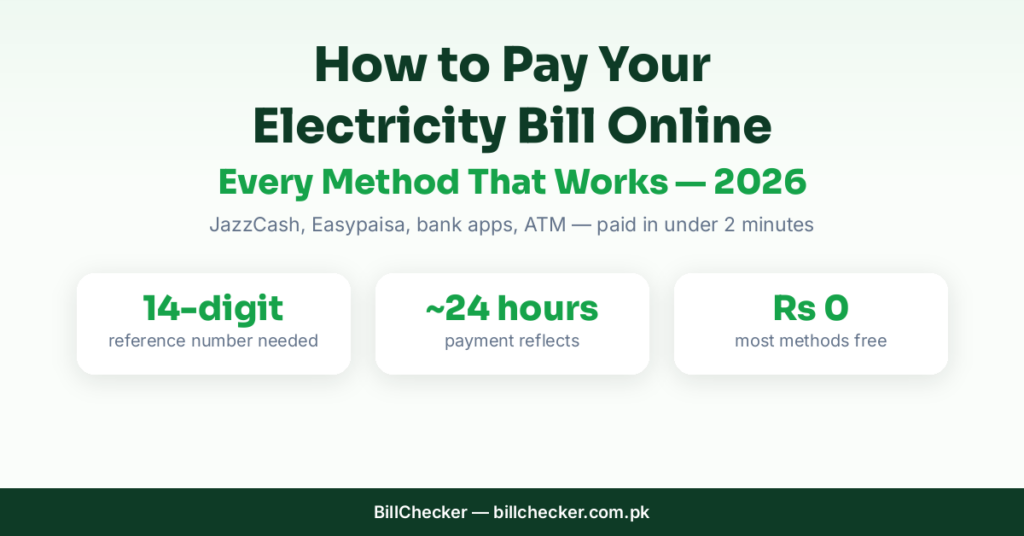
Your electricity bill is due and the bank queue is the last place you want to be. Every DISCO bill in Pakistan can be paid online in under two minutes — through JazzCash, Easypaisa, any bank app, an ATM, or a corner shop. All you need is the 14-digit reference number. This guide covers every method, step by step, plus what to do when a payment doesn’t reflect.
What You Need Before Paying
One thing: your 14-digit reference number (top of any bill — it never changes). The bill amount is fetched automatically once you enter it, so you don’t need the paper bill. Lost the number? Our reference number guide and CNIC guide show how to recover it.
6 Ways to Pay, Compared
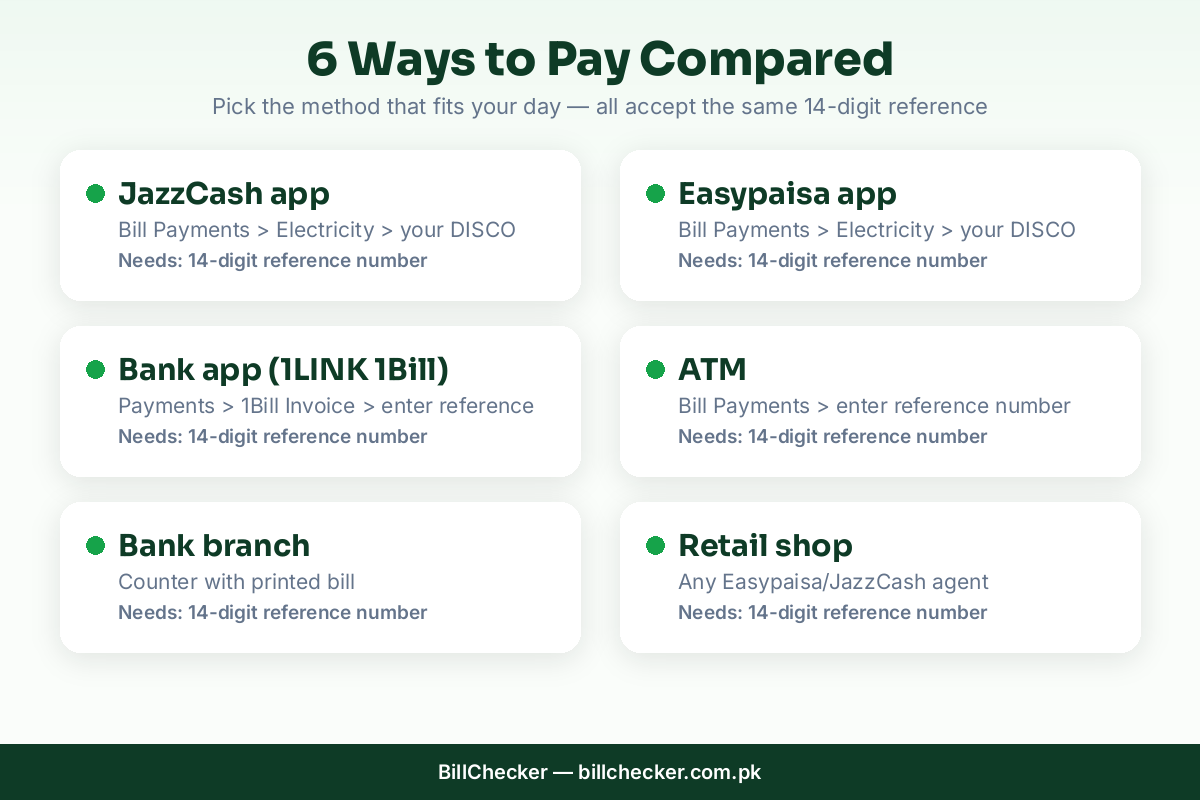
| Method | How | Cost |
|---|---|---|
| JazzCash app | Bill Payments → Electricity → select your DISCO → enter reference number | Usually free |
| Easypaisa app | Bill Payments → Electricity → select your DISCO → enter reference number | Usually free |
| Bank app (1LINK 1Bill) | Payments → 1Bill Invoice / Bill Payment → enter reference number | Free |
| ATM | Insert card → Bill Payments → Electricity → select DISCO → enter reference number | Free |
| Bank branch | Counter with printed bill or reference number | Free |
| Retail agent shop | Any JazzCash/Easypaisa agent — give the reference number, pay cash | Small agent fee may apply |
Pay in 4 Steps (Mobile Wallet)
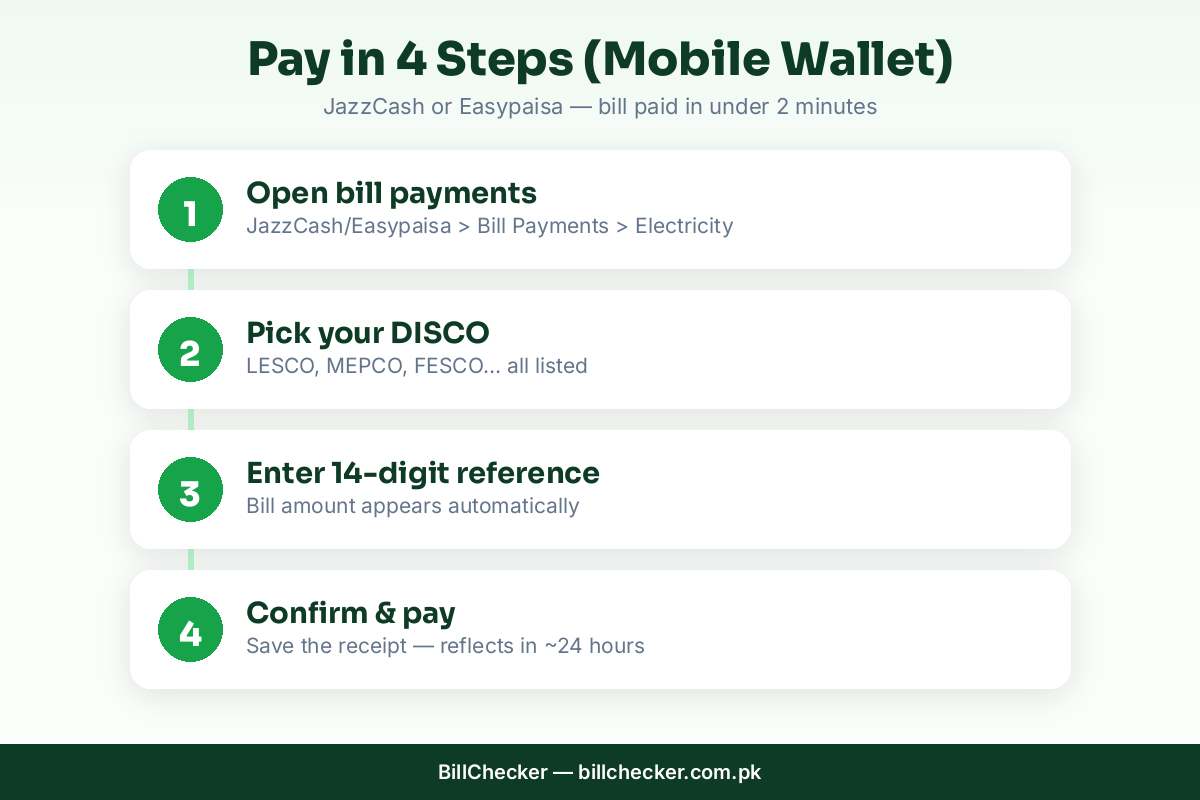
- Open Bill Payments → Electricity in JazzCash or Easypaisa.
- Select your DISCO (LESCO, MEPCO, FESCO, IESCO, GEPCO, PESCO, HESCO, SEPCO, QESCO, TESCO — all listed).
- Enter your 14-digit reference number — the bill amount, due date, and billing month appear automatically. Verify the amount matches your bill.
- Confirm and pay. Save the digital receipt (screenshot it) — the payment reflects on the DISCO’s system within about 24 hours.
Timing Rules That Matter
- Pay before the due date — after it, a late-payment surcharge (the late amount is printed on your bill next to the due date) is added, and paying the old amount won’t clear it.
- Don’t pay on the last evening and assume instant reflection — allow the ~24-hour settlement window; pay a day early when possible.
- Keep the receipt until the payment shows as cleared — the transaction ID is your proof if anything goes wrong.
Payment Not Reflecting? Do This
- Wait a full 24 hours — most “missing” payments are just settlement lag.
- Check the reference number on your receipt — one wrong digit sends your money to someone else’s bill.
- Call your wallet/bank helpline with the transaction ID (use the helpline shown in your wallet app or on your bank card).
- If the money left your account but never reached the DISCO, the wallet/bank reverses it — this typically takes 3–7 working days.
- Still stuck after a week? Call DISCO helpline 118 with the receipt.
Frequently Asked Questions
Can I pay my electricity bill without the paper bill?
Yes. The 14-digit reference number is all any payment channel needs — the amount is fetched automatically.
Is there a fee for paying online?
Bank apps, ATMs, and branches are free. JazzCash/Easypaisa app payments are usually free; agent shops may charge a small fee.
What happens if I pay after the due date?
A late-payment surcharge applies, and your bill prints the late amount. Pay the full new amount shown — the old amount won’t clear a surcharged bill.
How do I know the payment went through?
Keep the transaction ID from your receipt. The payment reflects on the DISCO’s billing record within ~24 hours — recheck your bill the next day to confirm.
Sources
Payment steps follow the bill payment menus in the main wallet and bank apps. Menus can change, so follow the steps on screen. Related: reference number guide, print/save bill as PDF.