
Print or Save Your Electricity Bill as PDF
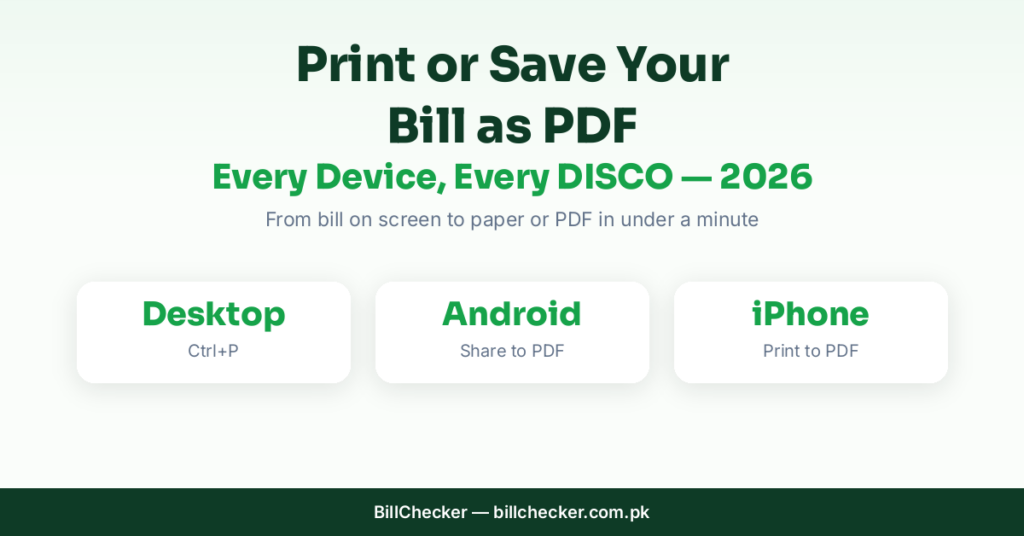
Banks, offices, and landlords keep asking for a printed or PDF copy of your electricity bill — and the paper bill doesn’t always arrive. The good news: once your bill is on screen, turning it into a printout or PDF takes under a minute on any device. This guide covers every method, on desktop and mobile, for every DISCO.
Step 1: Get Your Bill on Screen
Everything starts with the bill itself. Enter your 14-digit reference number on your DISCO’s checker — no login needed:
No reference number? Our CNIC guide shows three ways to recover it.
Bill to PDF in 4 Steps
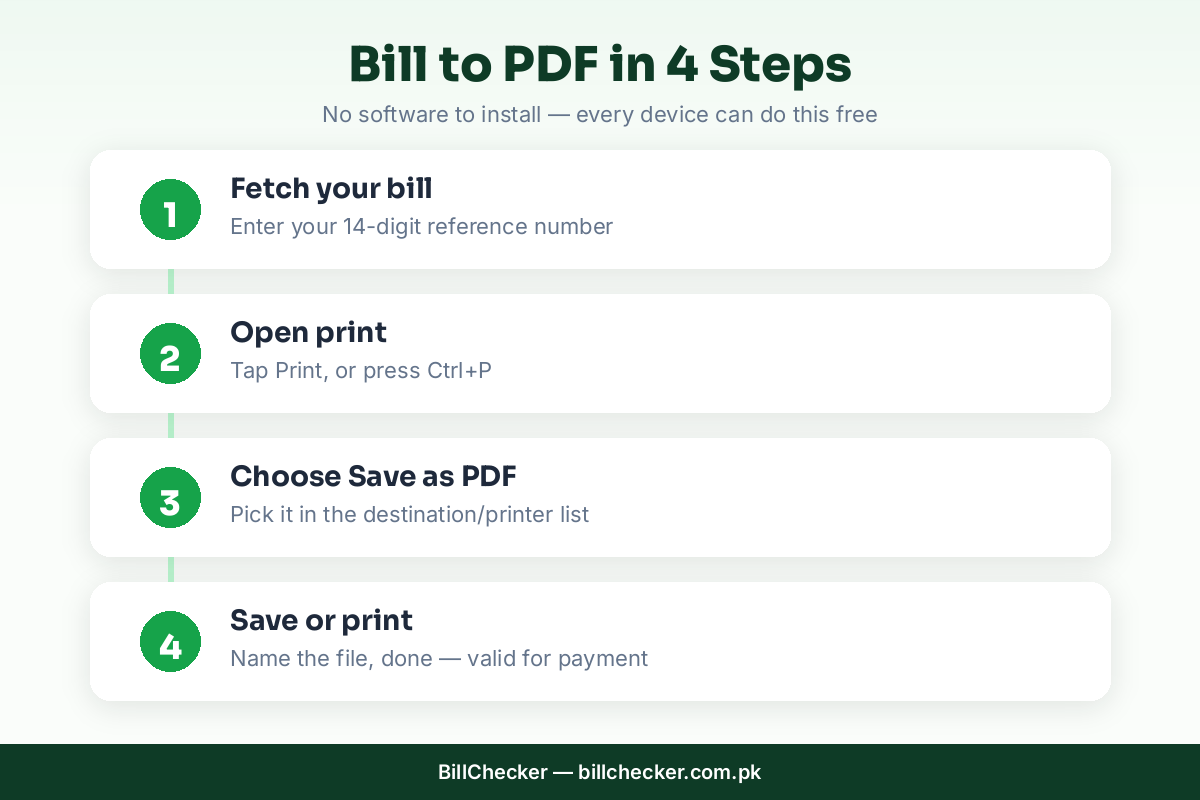
| Step | What to Do | Details |
|---|---|---|
| 1 | Fetch your bill | Enter the 14-digit reference number on the checker |
| 2 | Open print | Tap the Print button, or press Ctrl+P (Cmd+P on Mac) |
| 3 | Choose “Save as PDF” | Pick it in the destination / printer dropdown |
| 4 | Save or print | Name the file — done. The PDF is valid for payment everywhere |
Where the PDF Option Lives on Each Device
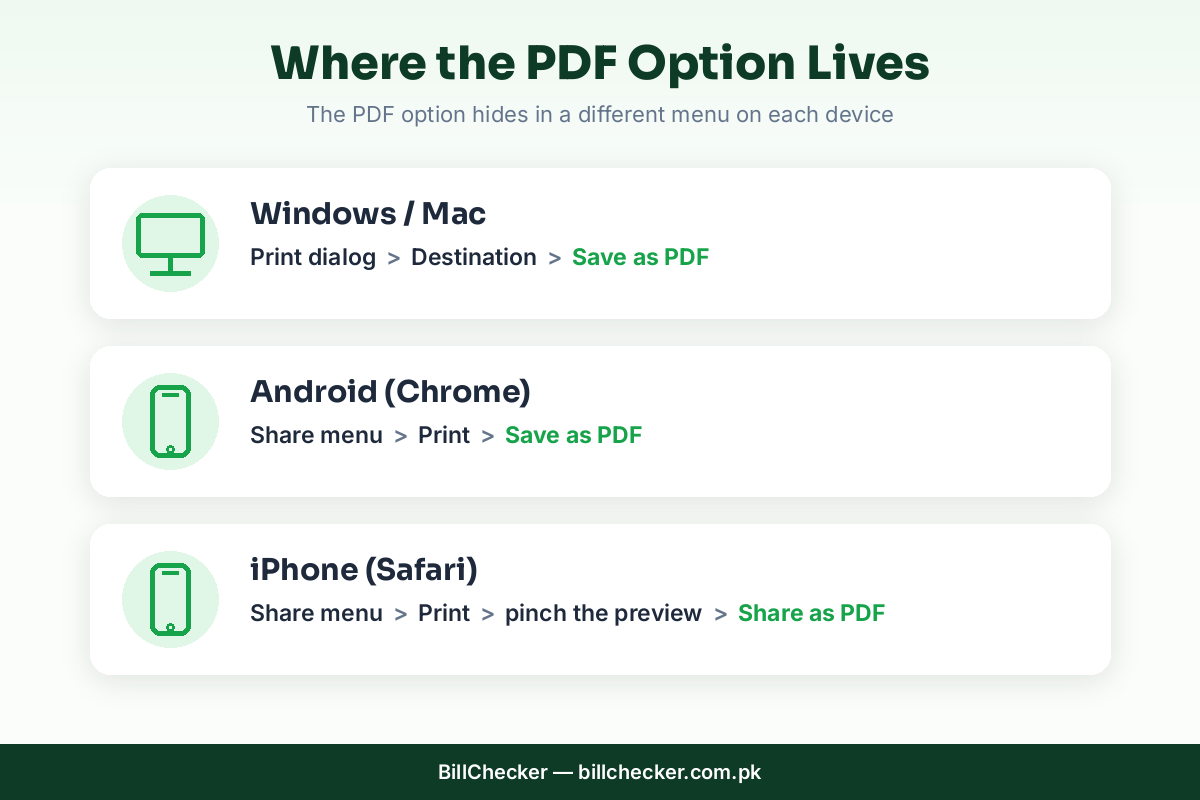
| Device | Steps |
|---|---|
| Windows / Mac (Chrome, Edge, Firefox) | Press Ctrl+P (Windows) or Cmd+P (Mac) → Destination/Printer dropdown → Save as PDF → Save |
| Android (Chrome) | Tap the three-dot menu → Share → Print → top dropdown → Save as PDF → tap the PDF button to save |
| iPhone (Safari) | Tap Share → Print → pinch outward on the preview with two fingers → it becomes a PDF → Share it to Files, WhatsApp, or email |
The iPhone pinch gesture is the one most people miss — there’s no visible “Save as PDF” button in Safari’s print screen until you pinch the preview.
Printing on Paper
Choose your printer instead of “Save as PDF” in the same dialog. Two settings matter for a clean bill printout:
- Paper size: A4 (the bill is designed for it).
- Background graphics: turn ON (Chrome: More settings → Background graphics) so shaded table rows and the header print correctly.
Is a Printed or PDF Duplicate Bill Valid?
Yes — for payment and for records. A duplicate bill carries the same reference number, billing month, and payable amount as the original. Banks, Easypaisa/JazzCash agents, and mobile apps accept the printed copy; the PDF works for email, WhatsApp submissions, and office records. Keep the file until the payment reflects — usually within 24 hours.
Frequently Asked Questions
How do I download my electricity bill as PDF on mobile?
Open your bill on the checker, then: Android — three-dot menu → Share → Print → Save as PDF. iPhone — Share → Print → pinch the preview outward → share the resulting PDF.
Why does my printed bill look blank or cut off?
Two usual causes: “Background graphics” is off (turn it on in print settings), or the page is set to shrink-to-fit on the wrong paper size — set A4 and 100% scale.
Can I get last month’s bill as PDF?
The checker shows the current billing month. For older bills, use your DISCO’s consumer portal billing history, or call 118 — and going forward, save each month’s PDF when you first view it.
Do I need an app to save the bill?
No. Every modern browser has Save-as-PDF built in — no app, no signup, no fee.
Sources
Procedures verified on current Chrome, Edge, Firefox, Android, and iOS print flows, October 2026. Related: reference number guide, bill by CNIC.